


Mobile Office Trailer Setup: Zoning, Permits, and Site Prep Explained
Organizing a mobile office trailer can be both thrilling and challenging. Following zoning rules, getting permits, and preparing the site properly are important steps to set up your mobile workspace. Knowing these parts makes sure you follow the rules and are set up to do well. Learn about zoning laws, the permit application process, and important site preparation tips to help you start your mobile office.
Definition, Purpose, and Installation Guidelines
A mobile office trailer is a movable building that serves as a temporary office, commonly used at construction sites or for business activities in distant locations. It offers a flexible mobile workspace solution.
These trailers come with essential features such as workstations, electricity, and climate control, making them ideal for various industries and improving workspace efficiency.
A construction company can use a mobile office to handle daily tasks, giving workers a place for meetings, paperwork, and rest. Real estate firms use them for temporary on-site sales offices during new developments.
To maximize functionality, consider equipping the trailer with tools like Wi-Fi routers and printers, enhancing productivity regardless of location.
Benefits of Using Mobile Office Trailers and Temporary Office Solutions
Using mobile office trailers can lead to significant cost savings, often reducing overhead costs by 30% compared to traditional office setups, showcasing the benefits of mobile office usage.
Plus cost efficiency, mobile office trailers offer flexibility, allowing businesses to easily relocate as needed. For example, a construction firm can set up its office on-site, saving travel time and improving project coordination.
Setup usually takes less than a week, significantly faster than building a traditional office. Many companies, such as tech startups, find that renting a trailer is a practical solution for temporary projects, with monthly costs ranging from $1,000 to $3,000, depending on size and amenities.
Zoning Regulations and Land Use Permits
Knowing zoning laws is important for legally setting up and running mobile office trailers, as these laws differ greatly depending on the area. Understanding these legalities can also impact decisions related to cost management, as highlighted in our analysis of how much it really costs to own a mobile office.

Zoning Laws and Following Rules
Zoning laws dictate how land can be used in specific areas, impacting the placement and operation of mobile office trailers.
These laws categorize land into various classifications, such as residential, commercial, and industrial.
Residential zoning rules limit the use of mobile office trailers to keep the neighborhood looking nice and control traffic. In contrast, commercial zoning permits them for activities like managing projects.
Check local zoning rules before setting up a mobile office trailer. Tools like local government websites or zoning maps can help identify regulations and permissible locations, ensuring zoning compliance and avoiding potential fines.
Types of Zoning Classifications
Common zoning classifications include residential, commercial, industrial, and agricultural, each with specific regulations affecting mobile office trailers.
In residential areas, mobile office trailers often have strict rules about their size and look to keep the neighborhood looking good. For example, in many suburban areas, trailers must blend with existing homes.
Commercial zones typically allow more flexibility, accommodating larger and varied designs for business operations. Industrial areas may have lenient regulations, but trailers must comply with safety and environmental standards.
Agricultural zones can permit trailers for farming operations, yet they often require specific permits. Always review local zoning rules, like those in Los Angeles or Houston, to make sure you follow the regulations.
How Zoning Affects Mobile Offices and Site Layout
Zoning regulations can restrict the size, location, and even the type of mobile office allowed on a property, affecting operational efficiency and trailer placement.
For instance, a business in a residentially zoned area may face setbacks that require the mobile office to be placed further from property lines, impacting accessibility.
Parking requirements can also limit available space; many municipalities mandate designated spots for mobile offices, which can reduce usable area for employees or clients.
A study in Florida showed a new company had problems following rules, causing delays that affected their services.
To address these challenges, businesses should review local zoning rules and request exceptions when needed, simplifying the approval process.
Permits Required for Setup and Government Approvals
Obtaining the necessary permits is important for legally setting up mobile office trailers, based on local regulations and their intended use. For those interested in maximizing the utility of these spaces, consider exploring the top features of mobile offices in 2023 to ensure your setup is both compliant and efficient.

Common Types of Permits and Construction Regulations
Common permits required for mobile office trailers include building permits, zoning permits, and temporary occupancy permits.
Construction permits confirm that the trailer follows local building rules, which might need you to submit plans for approval.
Zoning permits confirm that the chosen location is appropriate for such use, typically dependent on land use regulations and property designation.
Temporary occupancy permits allow for legal occupancy of the mobile office while it’s situated on-site, ensuring that it’s compliant with health and safety standards, including compliance inspections.
For detailed requirements and application processes, check local government websites such as USA.gov or your county’s planning department for guidance.
Application Process for Permits and Project Timelines
The permit application process typically involves submitting plans to the local building department, which can take 2-6 weeks depending on the jurisdiction.
To simplify your application process, start by collecting all required documents, such as site plans, building designs, and zoning compliance proof.
Use tools like your local government’s online portal to track your application status; this often provides real-time updates and estimated timelines.
Check if you require any supplemental permits, such as environmental or utility permissions, which may impact your overall approval time. Staying organized and informed can reduce delays significantly.
Fees Associated with Permits and Cost Estimates
Permit fees for mobile office trailers can range from $100 to over $1,000, depending on the type of permit and local regulations.
For example, in Los Angeles, a standard mobile office permit costs around $500, while in smaller municipalities like Tucson, fees might start around $250.
Some areas require annual renewals, which could be $150-$300. Before applying, check local government websites for specific fee schedules and required documentation to avoid unexpected costs.
Using tools like online permit portals can help make the process simpler. They let you easily compare fees across different municipalities and check that you are following zoning laws.
Site Preparation Essentials and Project Approval
Getting the site ready is essential for mobile office trailers to be set up and work correctly, including the location and necessary infrastructure. To understand the full scope of what you might need, consider the costs involved, as detailed in our expert analysis on mobile office ownership expenses.
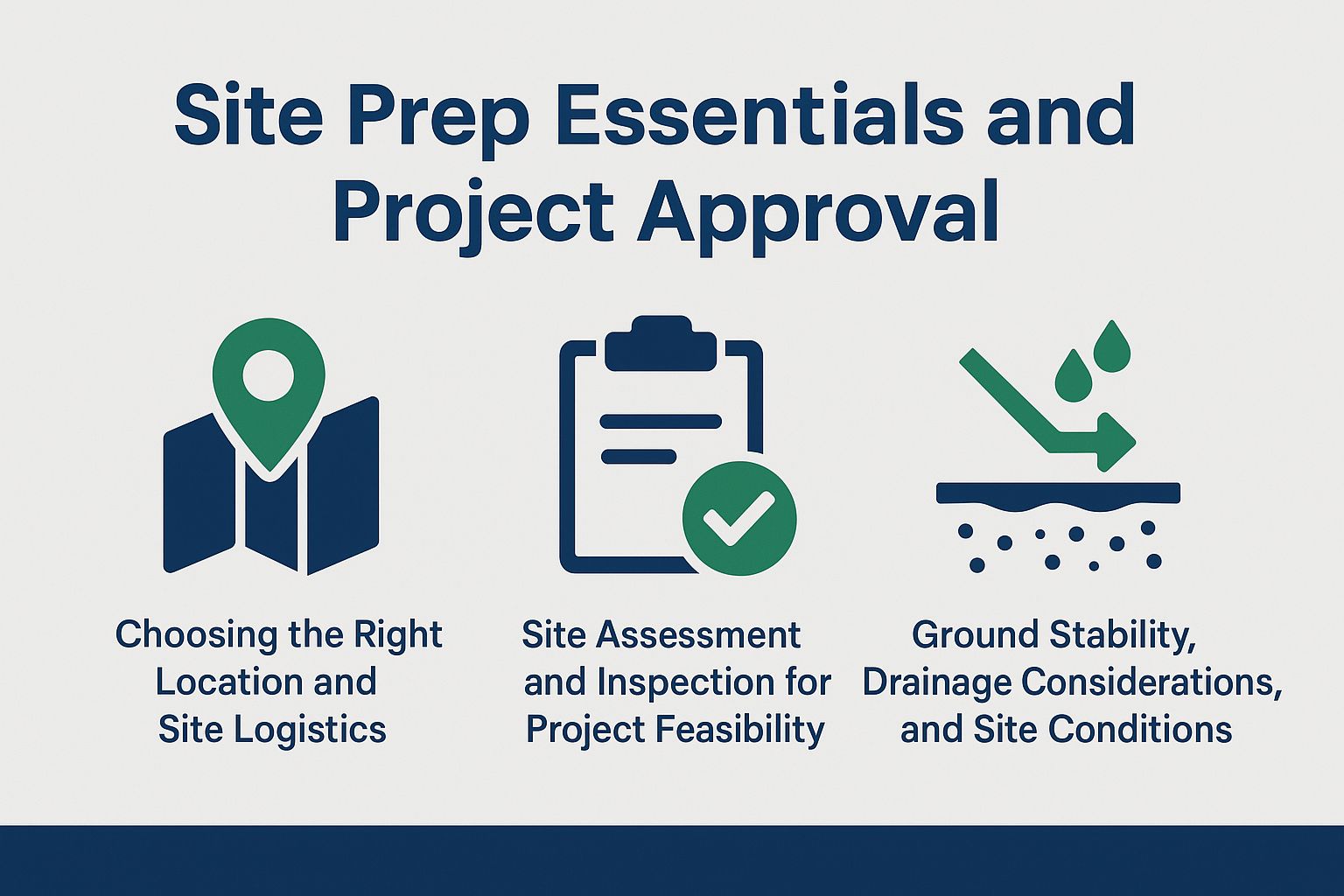
Choosing the Right Location and Site Logistics
Selecting a location for your mobile office trailer involves considering accessibility, visibility, and proximity to utilities.
First, check the access roads to make sure there is enough space for delivery and setup. Check local ordinances regarding zoning to avoid compliance issues.
An excellent case study is a company that chose a spot near a busy retail district; they benefited from high visibility and easy access to utilities, which reduced setup costs. They made sure their location had dependable Wi-Fi by checking with local service providers, allowing smooth operations.
Prioritize these factors for a successful mobile office setup.
Site Assessment and Inspection for Project Feasibility
Checking the site carefully makes sure the location fits all needs for putting up a mobile office trailer.
- Start by evaluating soil stability, which can be done using a simple penetrometer test to assess compaction.
- Next, identify potential environmental impacts by reviewing local wildlife and vegetation; tools like GIS can help visualize this data.
- Check for access to utilities such as electricity and water, essential for operations.
- Write down what you find in a report with parts for soil study, environmental conditions, and utility access. Make sure it is clear and detailed for later use.
Ground Stability, Drainage Considerations, and Site Conditions
Ensuring the ground is firm and drains properly can prevent issues with mobile office trailers, such as water accumulation or damage.
- Begin by assessing the site’s soil composition, using a penetrometer to measure soil compaction.
For drainage, consider installing French drains, which consist of perforated pipes in gravel to redirect water away from the trailer. Alternatively, a sump pump system can effectively manage excess water, preventing pooling under the office.
Both options are essential when placing trailers on low-lying areas or sites prone to heavy rainfall. By using these evaluation methods and drainage solutions, you can greatly improve the lifespan and safety of mobile office installations.
Utilities and Infrastructure for Mobile Units
Hooking up basic utilities like electricity, water, and internet is important for mobile office trailers to work properly. Understanding the cost implications of these installations is crucial, as highlighted in a breakdown of how much it really costs to own a mobile office.

Connecting Water and Electricity
Establishing water and electricity connections for mobile office trailers requires coordination with local utility providers and adherence to safety standards.
Start by contacting your local utility providers to request service availability and estimated connection times. For water, make sure you get the permits you need, which might take a week or longer to get.
If using a generator for electricity in temporary structures, choose a reliable one with a minimum output of 5000 watts, which typically costs around $500. Consider hiring a licensed electrician for installation-this could add $200 to $500 to your budget.
A checklist of requirements includes:
- Permits and permitting process
- Utility provider contact info and utility connections
- Safety inspections to ensure compliance
- Environmental assessments
Internet and Communication Setup for Mobile Office Benefits
Setting up reliable internet and communication infrastructure in mobile office trailers is essential for operational efficiency, often utilizing satellite or local providers.
Satellite internet, like HughesNet, offers coverage in remote areas, typically installing within 3-5 days. While it provides consistent service, latency can impact real-time applications, especially in outdoor offices.
DSL, offered by providers like AT&T, is another option, with installation times of 1-2 weeks and better speed stability, though availability can be limited.
For the fastest and most reliable connection, fiber optics are ideal, but they may take longer to install, sometimes over a month.
Assess your location and operational needs to choose the best fit.
Compliance and Safety Standards
Following rules and safety regulations is important for safely using mobile office trailers and avoiding legal problems. For those deciding on mobile office solutions, direct contextual factors should be considered to ensure compliance and effective use.
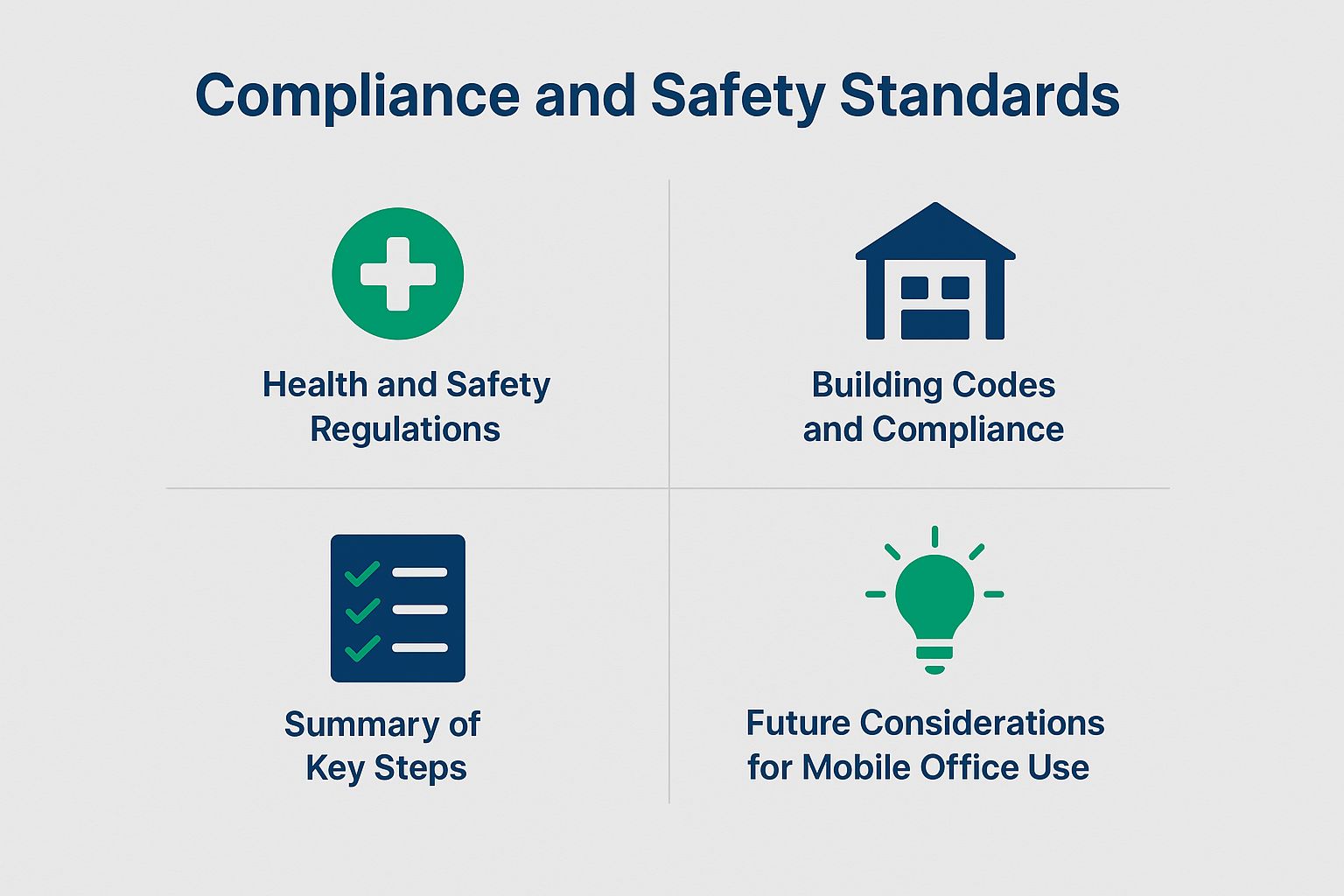
Health and Safety Regulations
Health and safety rules demand mobile office trailers meet certain standards to keep people safe and provide a secure place to work.
To follow OSHA rules, mobile office trailers need regular inspections, proper ventilation, and enough fire safety measures.
- Start by checking for proper exit signage and ensuring that fire extinguishers are accessible.
- Regularly review weight limits for flooring to prevent structural failure.
- Set up a regular maintenance plan to quickly fix plumbing and electrical problems.
- Document all inspections and maintain records to demonstrate compliance, which is critical in case of audits or inspections.
Building Codes and Compliance
Building codes dictate the structural integrity and safety features required for mobile office trailers, varying by location and intended use. Trailer specifications are also influenced by urban planning considerations.
In California, for example, mobile offices must comply with the California Building Code, which emphasizes fire safety and wind load calculations.
Conversely, New York City’s regulations focus heavily on structural stability and require a licensed engineer to sign off on the designs.
Local amendments often address unique regional concerns, such as flood zones in coastal areas.
Owners should consult local building authorities to comply with these codes, using resources like the ICC’s Code Council library to learn about the relevant regulations and site preparation checklist.
Summary of Key Steps
- Important steps to run a mobile office trailer effectively are knowing zoning laws, obtaining permits, and setting up utility connections.
- Regularly check the trailer for maintenance problems like leaks or electrical issues. Use a detailed trailer setup checklist.
- Equip the trailer with reliable internet access, which can be facilitated by mobile hotspots or satellite internet, ensuring seamless communication and productivity, enhancing workspace flexibility.
- To make the most of the space, use flexible furniture that supports basic workspace design ideas.
- Establish a waste management plan to adhere to local regulations and maintain a clean working environment, considering community impact.
- Following these steps will create a comfortable and efficient mobile office space.
Looking Ahead for Mobile Office Use
As remote work increases, the demand for mobile office trailers is expected to grow, leading to innovations in design and functionality.
One emerging trend in trailer designs is the incorporation of sustainable materials, such as recycled steel and eco-friendly insulation, which reduce environmental impact.
Using advanced technology is now common; trailers often have energy-saving lights, climate control systems, and Wi-Fi connections to improve productivity, adding to the mobile workspace solutions.
For example, companies are opting for solar panels on roofs to cut energy costs. These changes improve the workplace and match corporate sustainability goals, making mobile offices a practical option for the next few years.
Additional Resources
For further information on mobile office trailers, consult resources from local government websites and industry associations.
You can visit sites like the Small Business Administration (SBA) and your state’s Department of Transportation for specific permit applications and road use regulations.
Organizations like the National Portable Storage Association offer guidelines to help follow safety rules.
For practical advice, check out tools like Office Trailer Depot for comparing different trailer manufacturers and their products.
This method will guide you through the legal requirements and contractor collaboration as you set up an effective workspace.
About the Author
I’m Ethan Caldwell, a University of Colorado graduate with a degree in Environmental Engineering and the owner of a modular office company based in Oregon. For over 11 years, I’ve helped businesses across the Pacific Northwest and beyond implement smart, sustainable, and high-performance storage and workspace solutions. As an editor for Mobile Office Deals, I specialize in helping people make the right call when it comes to modular infrastructure.